Route every click. Count every conversion.
Tracking links on your own domain, filters by country, device and language, and a Conversion API that ties each sale to its click.
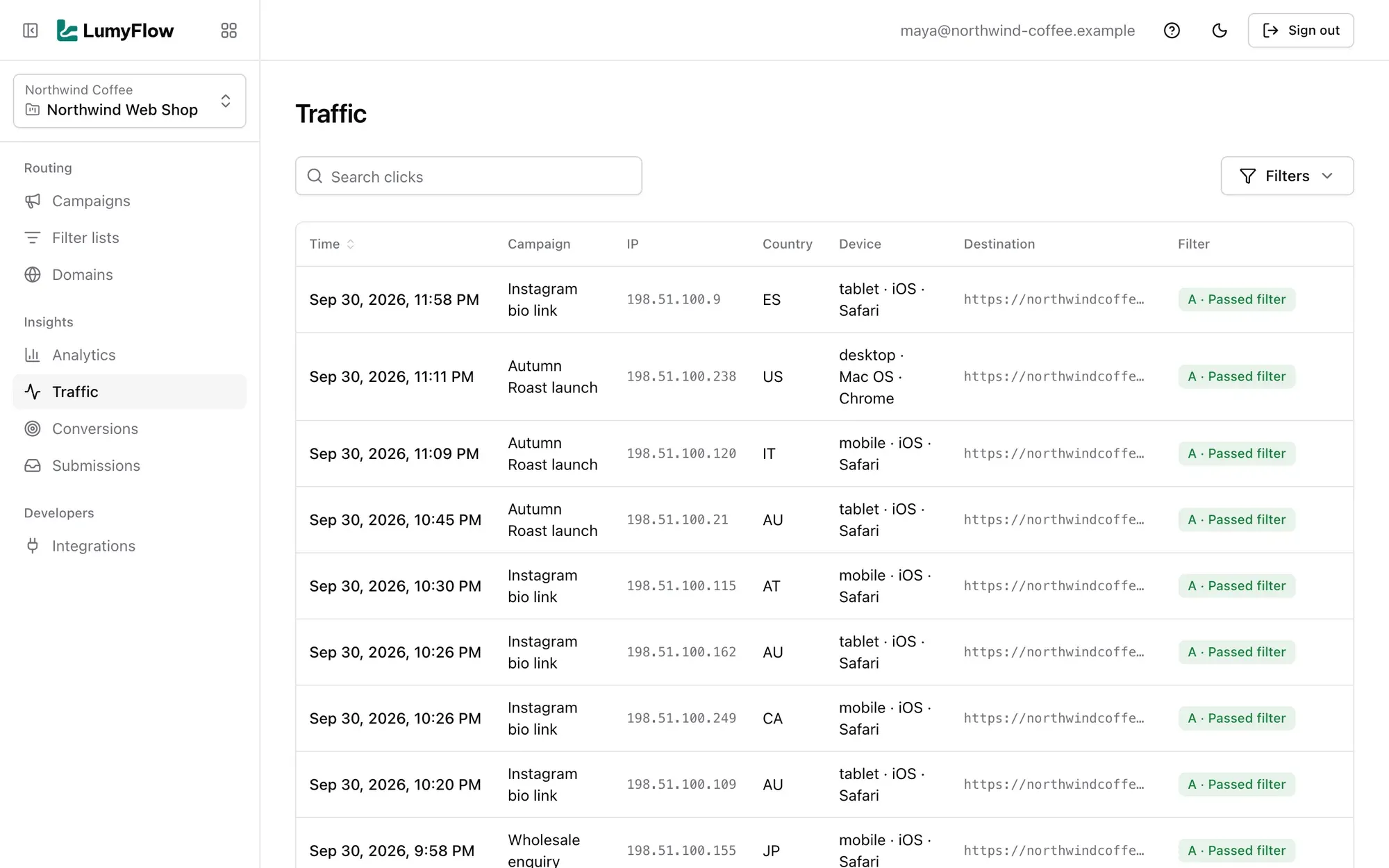
Every click routed, filtered and counted.
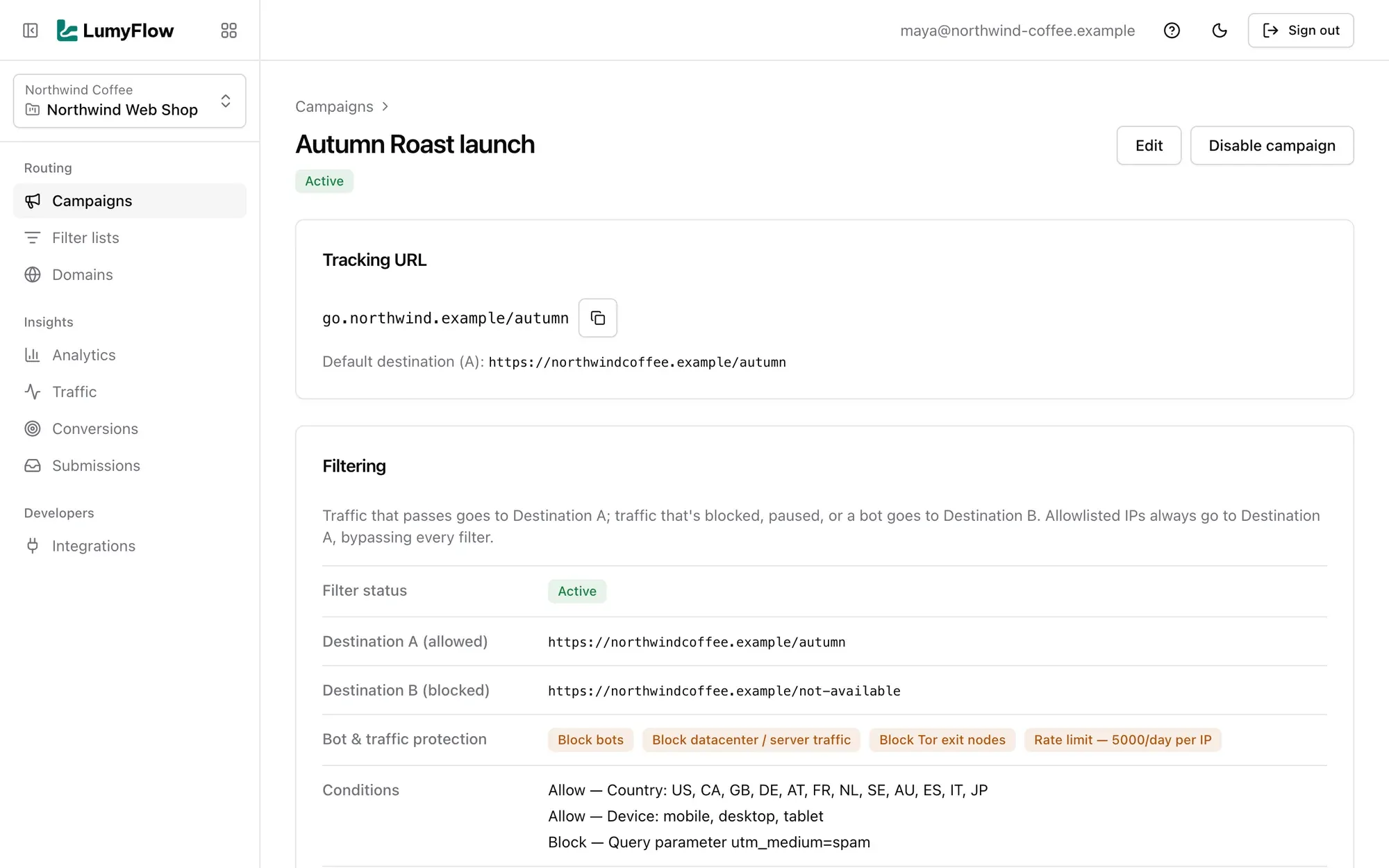
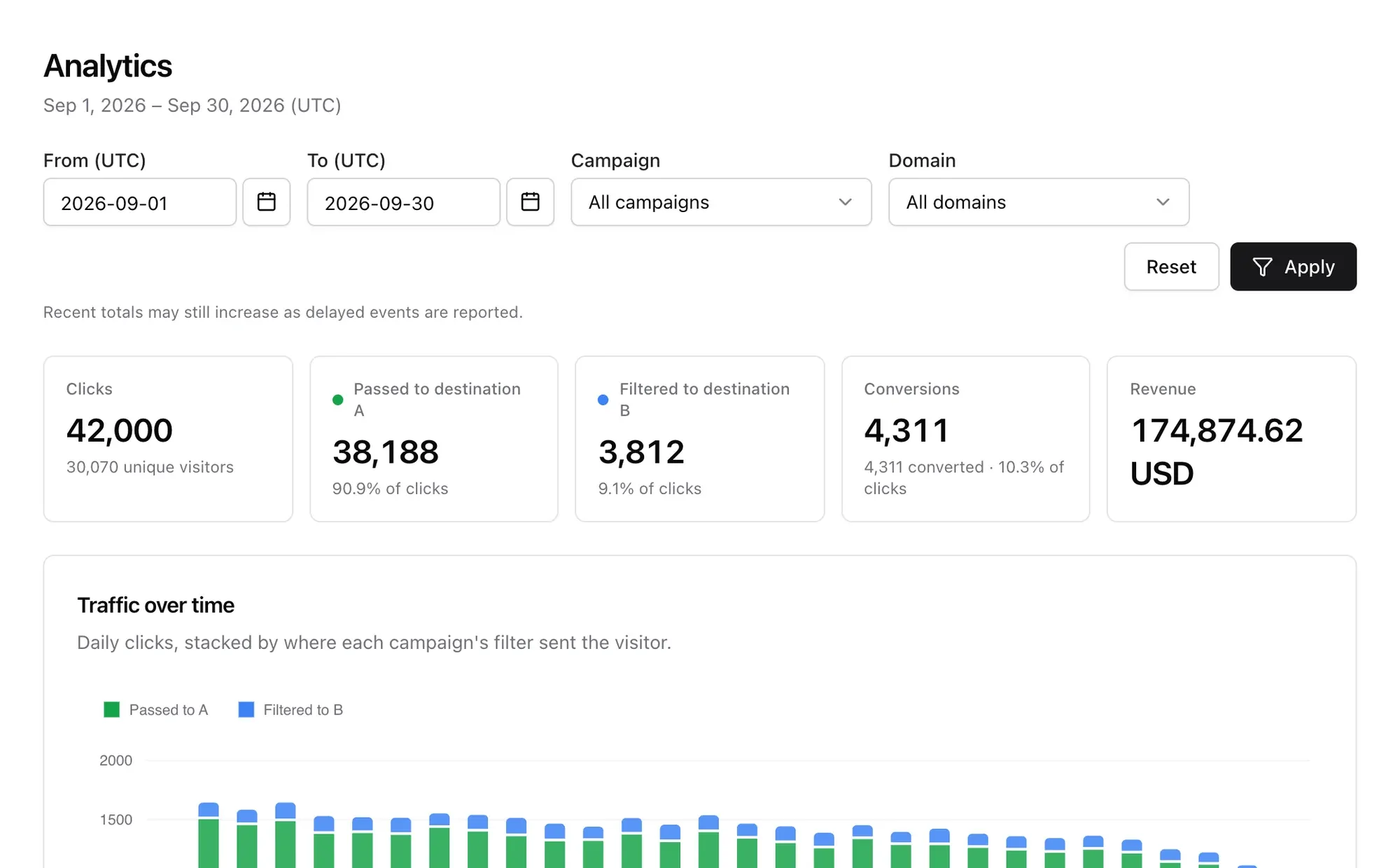
Campaign links on your own domain, filters and protections per campaign, and conversions tied back to the click.
Where teams use it
Paid traffic
Point ad campaigns at one tracking link and send each click to the right page for its country and device.
Affiliate links
Hand partners branded links on your own domain and see every click they send in the Traffic log.
Geo-routing
One link, the right landing page per market, with visitors from elsewhere sent to a fallback.
Lead capture
The Submissions API ties each form submission to the click that brought the visitor.
Know what every click did.
- Your domain, your links
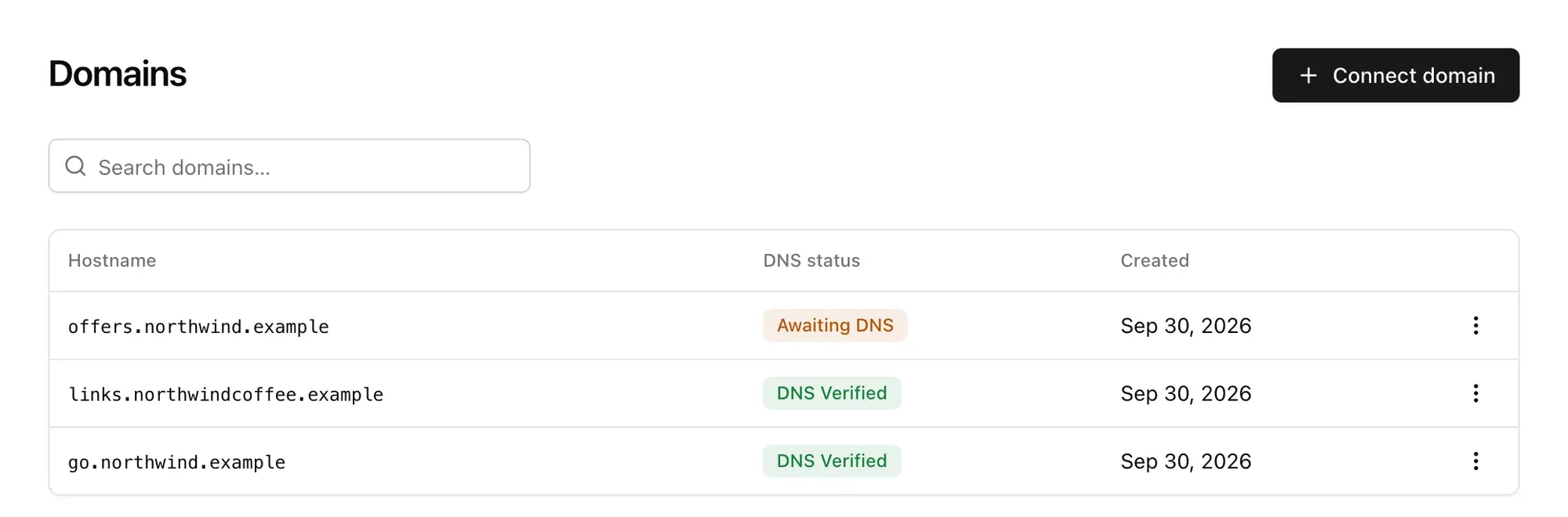
- go.yourbrand.com instead of a shared short-link host, with HTTPS handled.
- Every click explained
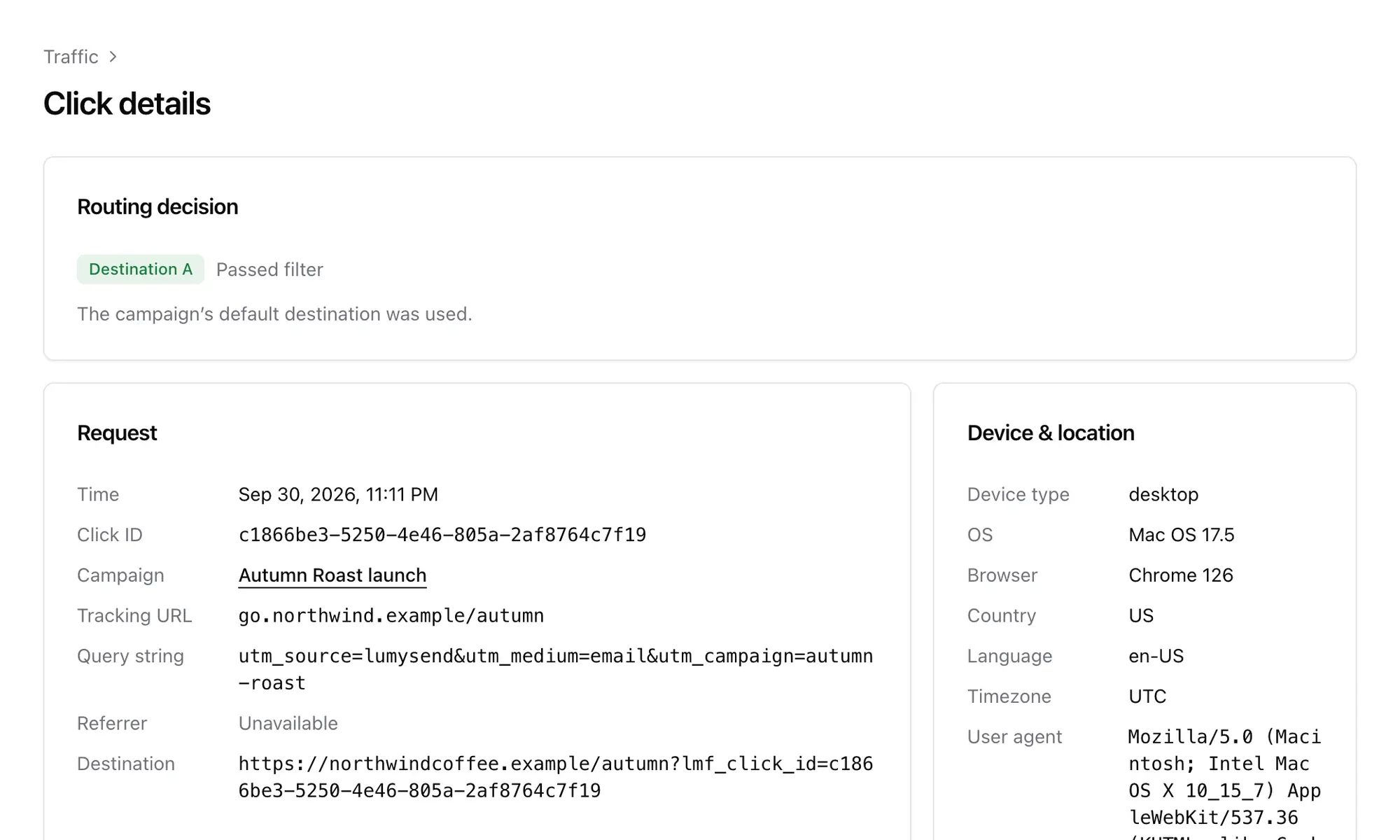
- Open any click in Traffic to see the destination it got and the filter result.
- Bots filtered out
- Known bots, datacenter traffic and Tor exits go to destination B, not your landing page.
- Sales tied to clicks
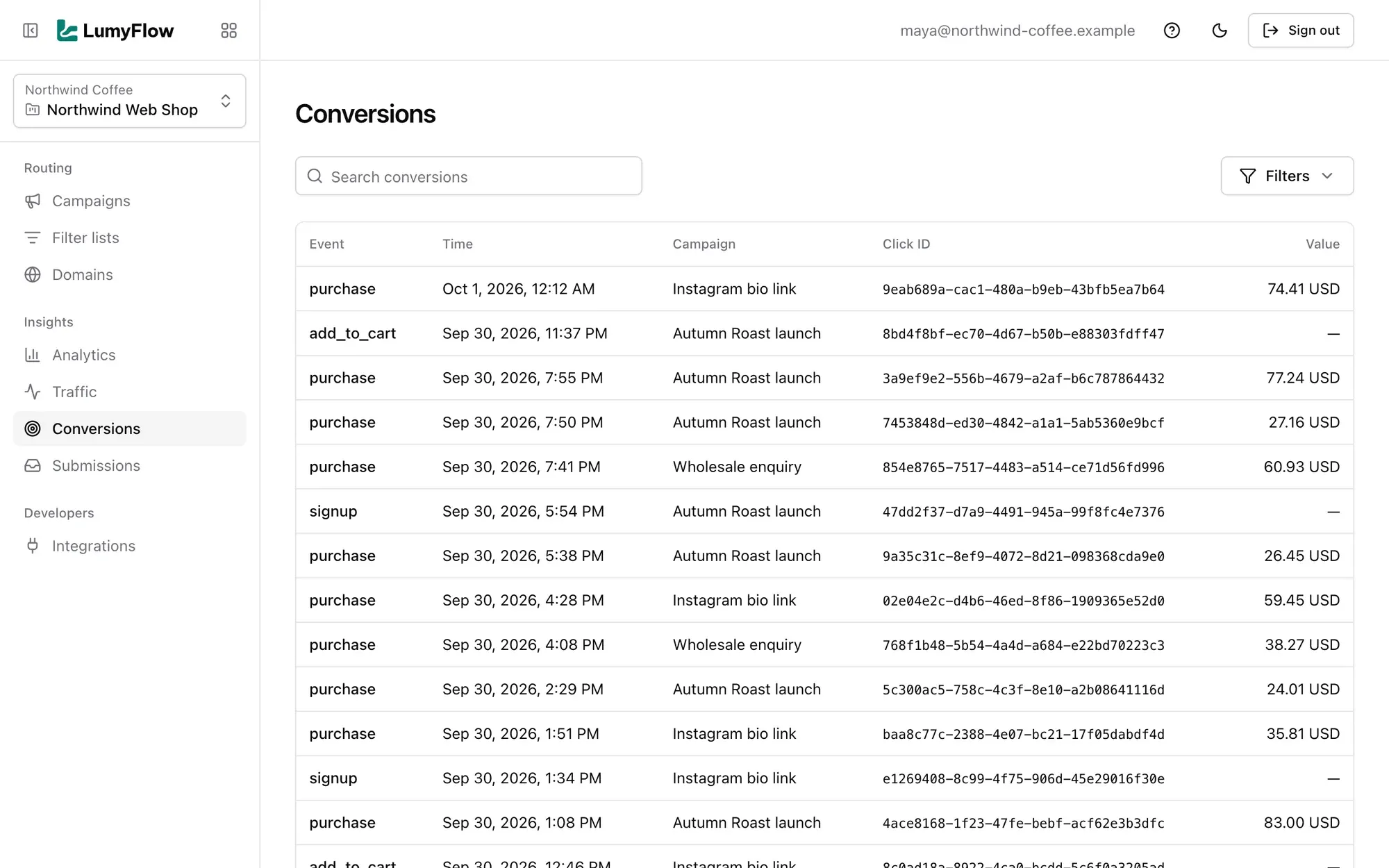
- The Conversion API records each sale against its click, once, with an idempotency key.
Report a sale with one request.
When an order comes in, send the click ID from the landing page URL to the Conversion API on your tracking domain.
- lmf_click_id is added to every destination URL
- Event name, value and ISO currency per conversion
- A required idempotency key, so a retry is recorded once
Report a conversion
curl -X POST https://go.yourbrand.com/api/conversions \ -H "Authorization: Bearer $LUMYFLOW_API_KEY" \ -H "Content-Type: application/json" \ -d '{ "click_id": "f5b16af5-72db-41f8-9182-3146f6e4cad6", "event": "purchase", "idempotency_key": "order-10482", "value": "49.99", "currency": "USD" }'LumyFlow API, on your tracking domain. click_id is the lmf_click_id LumyFlow adds to your landing page URL.
Pair it with LumySend
Send the campaign with LumySend, route its clicks with LumyFlow, and see which email brought each sale.
LumyFlow questions
Add a subdomain in Domains and point it at LumyFlow with the CNAME record shown. Once the DNS checks out, the domain is live and HTTPS is set up automatically.
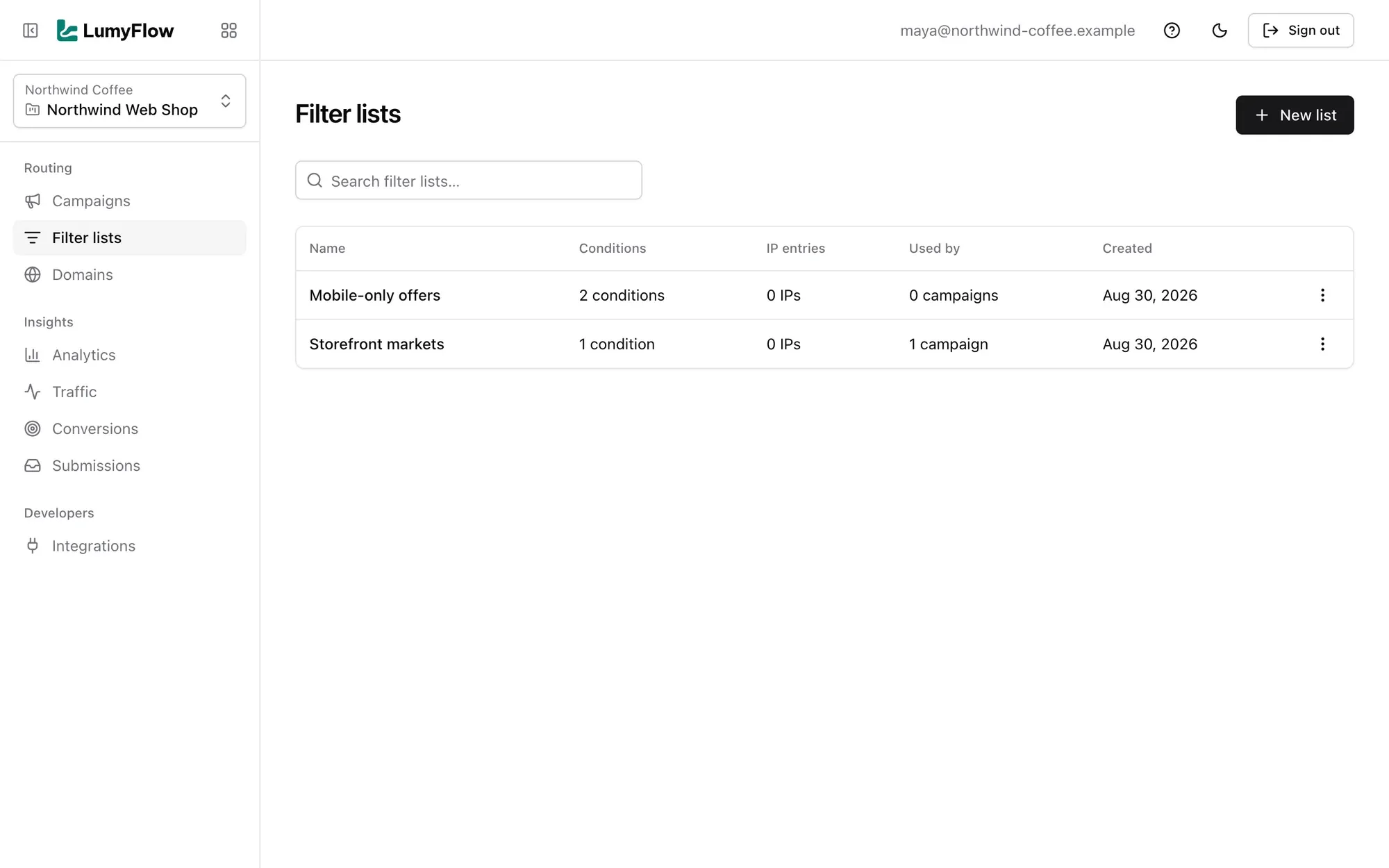
Each campaign has an allowed destination (A) and a blocked destination (B). Filters on country, language, timezone, device, OS, browser or query parameter decide which one a click gets. An IP allowlist can skip the filters for your own team.
Yes. Per campaign you can send known bots, datacenter and server traffic, Tor exit nodes and visits with no referrer to destination B, and rate-limit repeated clicks from one IP.
LumyFlow adds lmf_click_id to the destination URL. Your backend posts that ID to the Conversion API with the event, an idempotency key and optionally a value and currency. The conversion then shows on the click and in Analytics.
Yes: a Conversion API and a Submissions API on your tracking domain, authenticated with an lmf_ key from the Integrations page.
Guides
Bot clicks in email: why your click rate looks too good
Mail security scanners and bots click the links in your emails. How to spot fake email clicks and keep them out of your stats and off your landing page.
Geo and device redirect links on your own domain
One link that redirects visitors by country, language, device or OS, on your own domain. How geo and device redirect links work and how to set them up.
Filter bot traffic before it reaches your landing page
Keep bots, datacenter traffic, Tor and repeat clicks off your landing pages. How to filter non-human traffic at the link, before it reaches the page.
Server-to-server conversion tracking with a click ID
Track sales without a pixel: pass a click ID to your landing page and report the conversion from your backend. How S2S postback tracking works, step by step.
Put your next campaign on a LumyFlow link.
Book a demo and we will connect your tracking domain and set up your first campaign with you.